Introduction to Gamepad Tester
Surely everyone who likes playing games with a controller has wondered whether their gamepad is working correctly, right? Sometimes a button does not respond, an analog stick moves by itself, or the controller simply cannot be detected by the phone. Gamepad Tester is an extremely useful application that helps you check your game controller quickly and easily. Instead of guessing whether your controller has a problem, you can connect it to your device and test each part directly. So, what does this useful application have to offer? Let’s find out together.
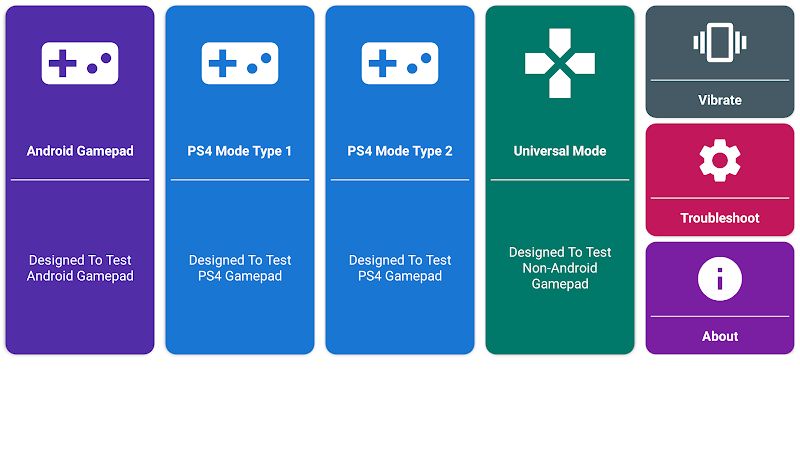
Gamepad Tester is designed to work with different types of game controllers, including wired and wireless controllers. The application can automatically detect connected devices, so you do not need to go through complicated connection steps. It also lets you test buttons and analog sticks with good sensitivity. This is quite helpful before playing a game because you can make sure your controller is working properly first. Whether you use a cheap gamepad or a more expensive one, Gamepad Tester gives you a simple way to check it.
Universal Compatibility
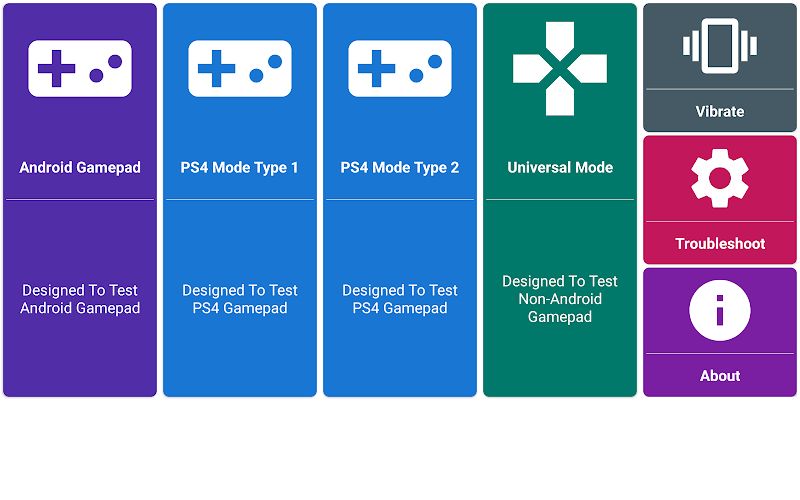
One of the useful things about Gamepad Tester is its wide controller compatibility. You can use different kinds of gamepads without being limited to one specific type. This gives you more freedom when choosing the controller you want to test and use with your Android device.
Wired Controller Support
If you have a wired controller, you can connect it to your device and let the application detect it. You do not need any complicated professional equipment to check the controller. After connecting it, you can start testing the buttons and other controls right away.
This is especially useful when you are not sure whether your wired gamepad is working correctly. Just connect it and check the inputs. It is a simple way to find problems before you start playing your favorite games.
Wireless Controller Support
Gamepad Tester also supports wireless controllers, giving you another convenient way to test your gamepad. Wireless controllers are very popular because they are more comfortable to use without cables getting in the way.
After connecting your wireless controller to the device, the application can detect the gamepad and show its inputs. This makes testing much easier and gives you a more convenient experience when checking your controller.
Easy Device Detection
You do not want to spend a lot of time trying to figure out whether your controller has been connected, right? Gamepad Tester can automatically detect connected devices and make the process much easier.
Once the gamepad is detected, you can start testing it without complicated procedures. This is a small feature, but it can save quite a lot of time, especially for users who are not familiar with controller settings.
Full Gamepad Support
Gamepad Tester gives you many useful tools for checking different parts of your controller. You can use it with both inexpensive and expensive gamepads, so you do not need to buy a special controller just for testing.
The application helps you see whether the buttons and analog sticks respond correctly. This is great if you want to make sure your controller is ready before playing. A controller may look completely normal outside, but testing can help you find small problems that you cannot notice easily.
Button Input Testing
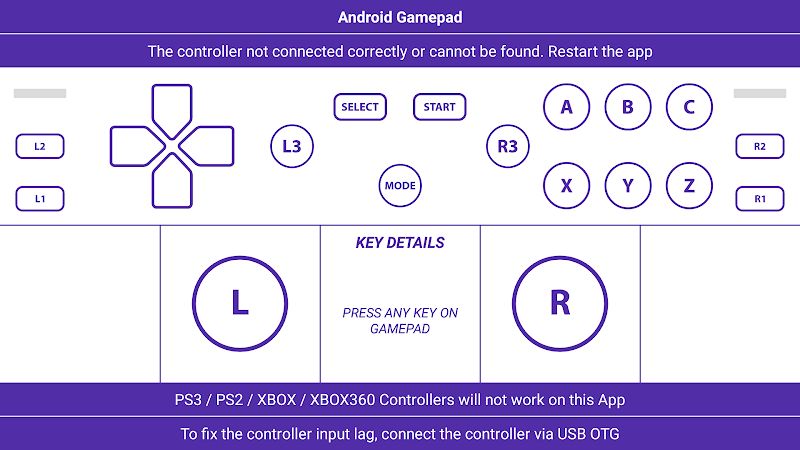
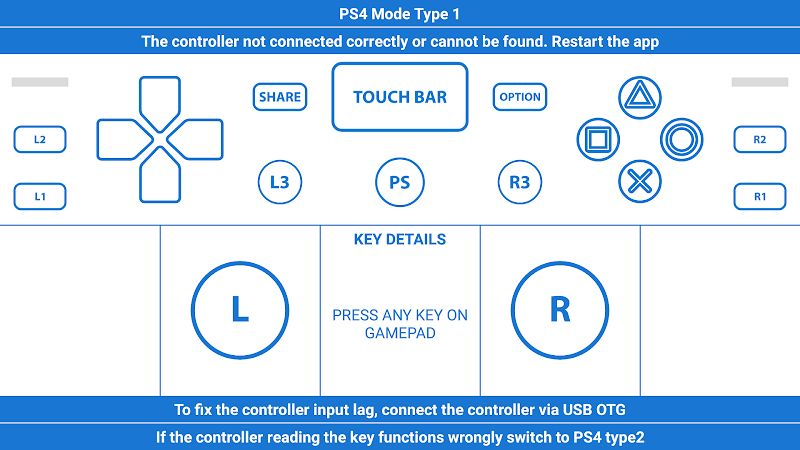
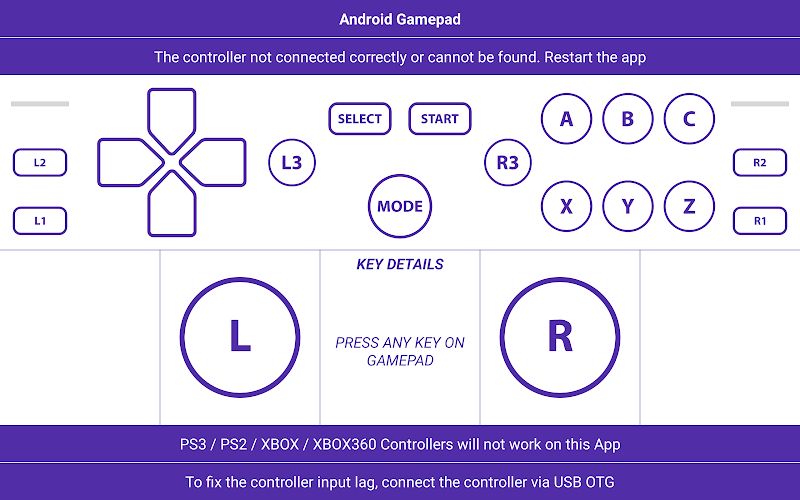
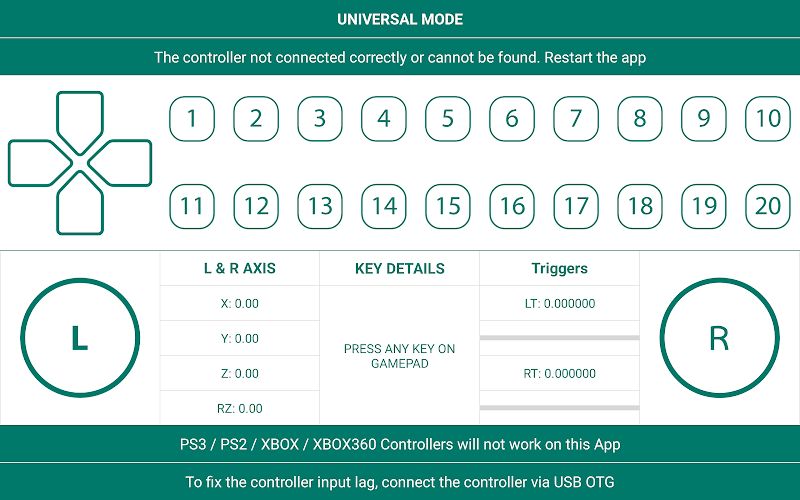
The button testing feature lets you check whether the buttons on your controller are responding properly. You can press each button and see its input, which makes it easier to find a button that may not be working correctly.
The response is designed to be sensitive and quick, so you can test the gamepad with just a light touch. If one button does not respond or feels strange, you can notice it during the test instead of discovering the problem in the middle of an important game.
Analog Stick Accuracy
Analog sticks are another important part of a game controller. If an analog stick has a problem, your character may move in the wrong direction or the camera may keep moving even when you are not touching it. Gamepad Tester helps you check the movement and response of your analog sticks.
You can move the sticks in different directions and watch how the inputs respond. This gives you a simple way to check their accuracy and see if everything is working as expected. It is quite useful for gamers who want their controller to feel smooth and responsive.
Simple Testing Experience
Gamepad Tester focuses on making controller testing easy for everyone. You do not need to understand complicated technical settings to use the application. Just connect your controller, open the app, and start checking the inputs.
I think this simple approach is one of the best things about Gamepad Tester. It does not try to make controller testing more difficult than it needs to be. If you just want to know whether your gamepad works properly, this application can help you do it quickly.
MOD APK version of Gamepad Tester
MOD feature
Premium Unlocked
Download Gamepad Tester MOD APK for Android
Gamepad Tester is an extremely useful application for anyone who uses a game controller with their Android device. It supports wired and wireless controllers, automatically detects devices, and lets you test buttons and analog sticks with a simple interface. You can quickly check your gamepad before playing and find problems without needing complicated tools.
If you often play games with a controller, this is a pretty convenient application to have on your device. Just connect your gamepad, open Gamepad Tester, and check whether everything is working correctly. Download Gamepad Tester and enjoy a smoother gaming experience with your controller.