

CV Engineer MOD APK is a professional, free CV creator that helps you build a complete job application in PDF format quickly and easily. With CV Engineer, you don’t need to worry about presentation or formatting: the app provides standard CV templates designed by recruitment experts, with detailed instructions and illustrative examples for each section. You can fill in your personal information, work experience, education, skills and more without any formatting problems, ensuring your profile stands out and is easy to read to employers. In addition, CV Engineer supports many different professions such as healthcare, information technology, engineering, business, and new graduates, helping you create a CV that fits your target job position.
The app also provides smart tools to support CV writing, including AI Assistant that helps edit grammar, optimizes the presentation of each section, and provides suggested examples suitable for your profession. You can create custom CV sections, add professional portrait photos, and edit fonts and margins, ensuring your resume fits into 1–2 pages according to international standards. Once completed, your CV can be downloaded as a PDF, saved to your device or Google Drive, shared via email, and supports CV writing in multiple languages such as English, Spanish, German, French, Italian, Polish, Portuguese, and Turkish. In addition to creating a CV, CV Engineer also provides interview questions and suggested answers to prepare well for interviews, helping you feel more confident in your job search.
Key Features
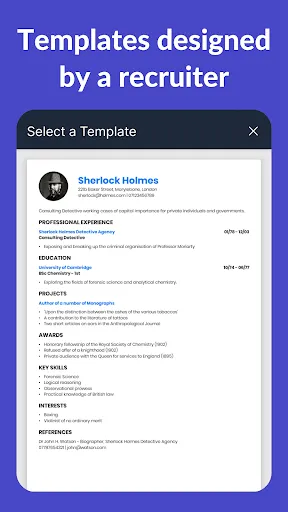
- Professional CV Templates: Choose from CV templates designed by recruitment experts, optimizing your ability to impress employers.
- AI Assistant: Support editing each CV section, improving grammar and presentation.
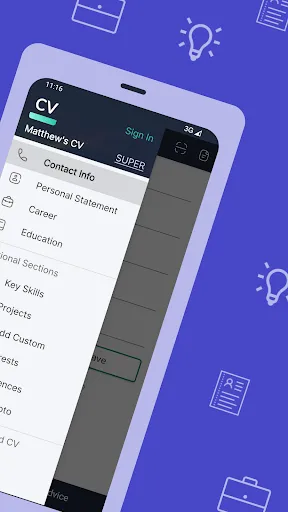
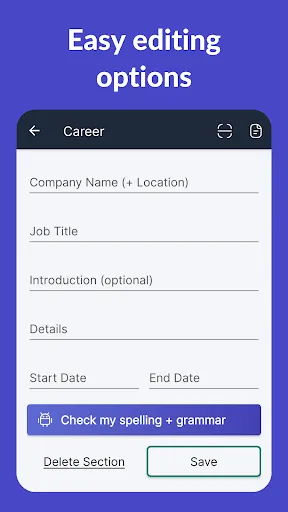
- Easy CV Editing: Add, delete, or edit CV sections with an intuitive interface; Present your experience and skills in bullet points.
- Create custom CV sections: Add new sections with custom titles, suitable for experiences that do not fit into the standard format.
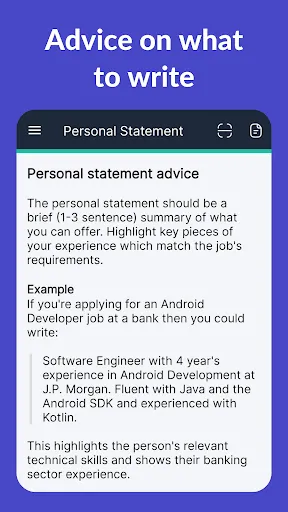
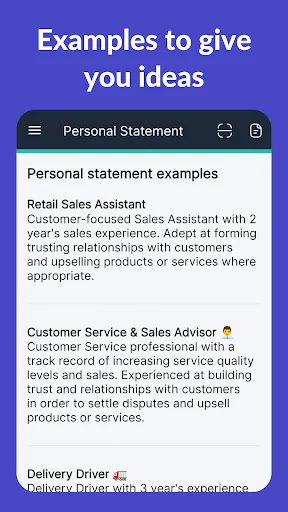
- Examples: Sample examples for each CV section help you know what information to include and how to present it properly.
- Support for multiple industries: CV examples for medical, technology, engineering, students, management, business, programming, and many more.
- Customize CV format: Adjust font, size, margins to fit your CV in 1–2 pages.
- Download and share PDF: Save your CV to your device, Google Drive, or send it via email easily.
- Add a personal photo: Upload a professional portrait to your CV.
- Support multiple languages: Write your CV in English, Spanish, German, French, Italian, Polish, Portuguese, Turkish.
- Interview Questions and Answers: Prepare for your interview with sample scenarios and answers.
- Dark Mode: Use CV Engineer easily without straining your eyes.
- Free to Use: All basic features are free, helping you create a professional CV without paying anything.
- Support and Feedback: Contact us directly via email for advice and support when needed.


