

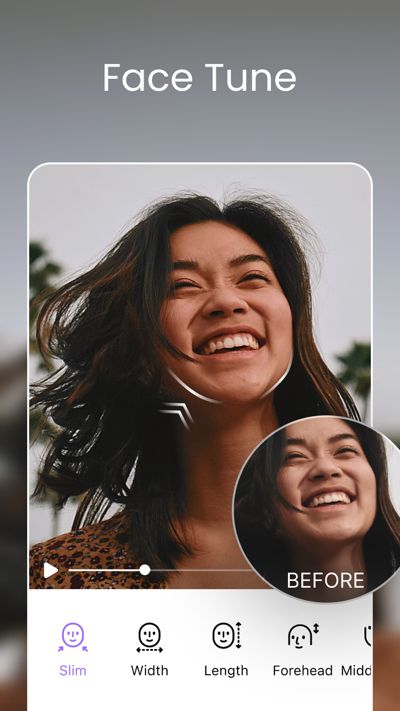
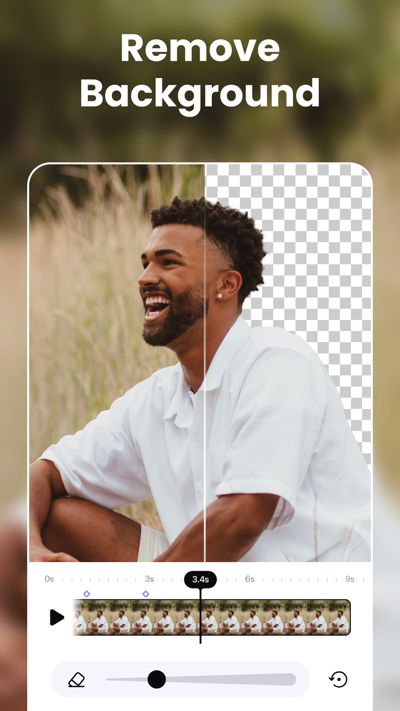
AirVid MOD APK is an AI video enhancer and editor that helps improve video quality, retouch faces, and reshape bodies directly on your phone. The app combines AI restoration, automatic video editing, creative effects, face retouching, and body adjustment in one place. You can turn blurry videos into clearer HD or 4K results, find important moments automatically, remove unnecessary parts, and improve the appearance of people in your videos with simple tools.
Introduction to AirVid
AirVid focuses on using AI to make video editing easier. Instead of manually adjusting every part of a video, you can choose an AI tool and let the application handle much of the work automatically.
One of the main highlights is AI Portrait Mode. It can detect faces in your videos and improve details such as facial features, eyes, and skin texture. This is useful when the main subject of a video is a person and you want the face to look clearer without spending a long time editing it yourself.
The app also provides color correction to bring back more natural and vibrant colors. Old or dull-looking videos can therefore look more lively after processing, while the original details can be improved at the same time.
Enhance Video Quality With AI
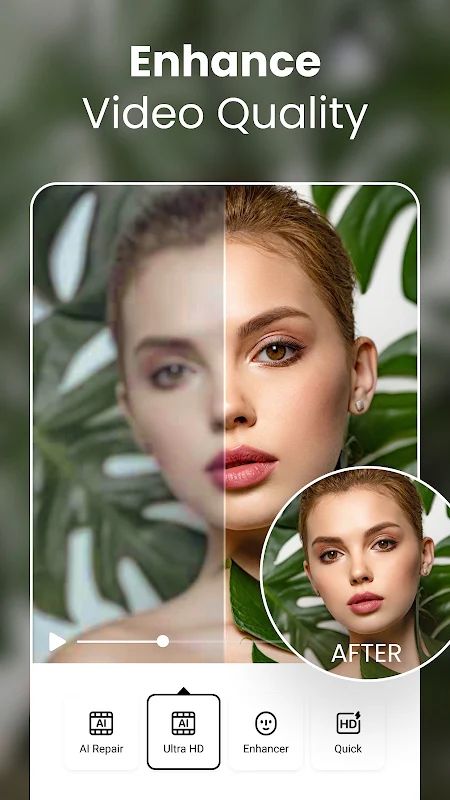
AirVid provides 4K Restoration for low-resolution and blurry videos. With one tap, the AI can process the footage and improve clarity, giving you a higher-quality result that can look much cleaner than the original recording.
Detail Boost is another useful tool for improving smaller details in the frame. It can bring out hair texture, fine features, and other visual elements, making each frame look more defined.
In general, the more unclear the original video is, the more noticeable these enhancement tools can become. You can use them on older clips, videos recorded with weaker cameras, or footage that simply did not look as sharp as expected.
AI Fast Clips
AirVid also provides AI tools for quickly turning longer videos into shorter clips. With Smart Auto-Edit, you can describe what you want and let the AI select suitable moments from the footage.
Highlight Extraction can automatically look for important scenes such as scoring moments, travel highlights, or other key parts of a video. This can save time when you have a long recording but only want the most interesting sections.
The app can also remove silent pauses and unnecessary gaps with the Remove Filler feature. Character Focus goes a step further by finding scenes that contain a specific person and turning them into a separate collection of clips.
The more footage you have, the more useful these automatic tools can become. Instead of watching the entire recording and cutting every section manually, you can let AI handle the first selection and then make your final adjustments.
Retouch Faces and Reshape Bodies
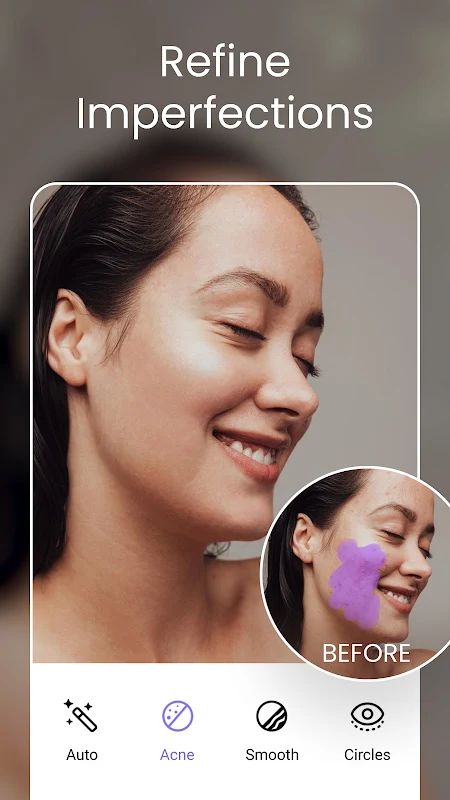
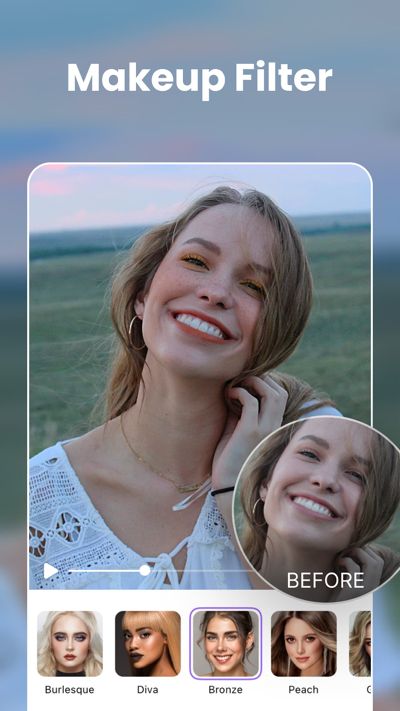
AirVid includes several tools for improving how people look in videos. Flawless Face can smooth skin, remove blemishes, and apply makeup filters, making it easier to create a cleaner portrait without using a separate application.
The Body Editor allows you to adjust different parts of the body. You can slim the waist, change shoulder width, or reshape other areas while keeping the result more natural-looking.
Height Adjustment is also available when you want to change body proportions. You can stretch or compress the subject depending on the effect you are trying to create.
These tools give you more control over portrait and lifestyle videos, especially when the person is the main focus. The more carefully you combine the retouching tools, the easier it is to create a result that matches the style you want.
Creative AI Effects
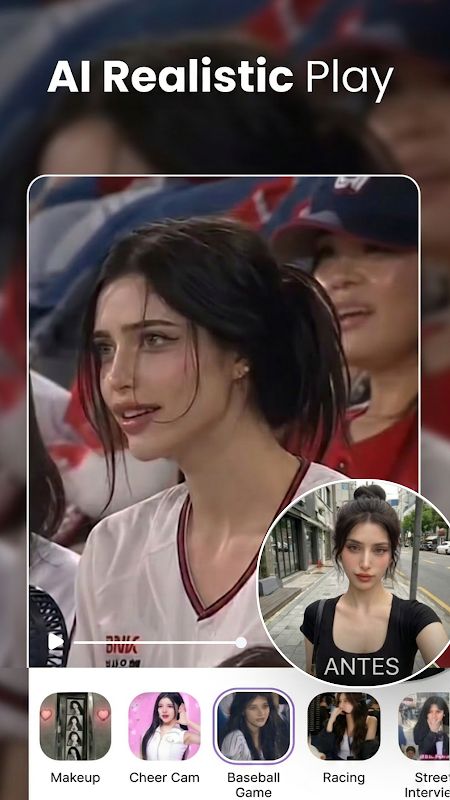
Besides video enhancement, AirVid also includes a creative section for experimenting with AI effects. You can transform photos into different visual styles and generate new content with one-tap effects.
The app is designed to keep this process simple, so you can try different effects without having to understand complicated editing controls. This makes the creative tools useful when you want to experiment with a photo or create something different from a normal video edit.
AirVid also comes from the team behind Airbrush and is designed as an easy-to-use editing companion. The core features are available for free, allowing you to test the main AI tools without needing a complicated setup.
MOD APK Version of AirVid
MOD Feature
Pro Unlocked
Download AirVid MOD APK for Android
AirVid is an AI-powered video enhancer and editor that combines video restoration, automatic clip selection, face retouching, body reshaping, and creative effects in one application. You can improve blurry videos with 4K Restoration, bring out fine details, correct colors, automatically find important scenes, remove silent parts, and focus on specific people in your footage. The app also provides face smoothing, blemish removal, makeup filters, body editing, height adjustment, and AI-powered creative effects. Download AirVid MOD APK for Android and improve your videos with a collection of simple AI editing tools in one place.


