

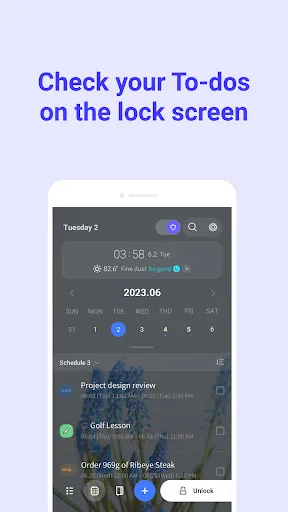
Keep Your Tasks Right on the Lock Screen
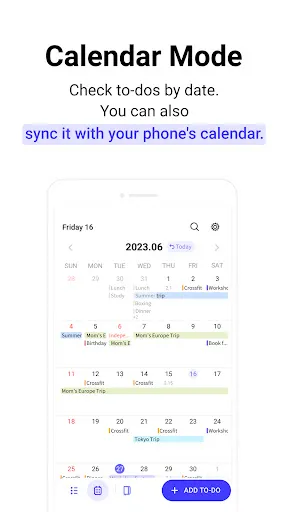
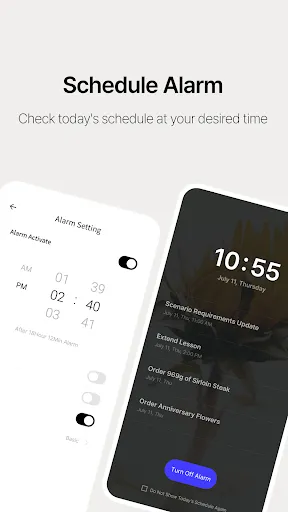
LockScreen Calendar is a planner and to-do app that helps you stay on top of your daily routine without having to unlock your phone every time. You can quickly add tasks, create reminders and organize your schedule in a way that makes sense to you. Everything is easy to find, whether you’re planning today’s errands or keeping track of appointments for the next few weeks. If you already use Google Calendar, you can sync your events and keep everything in one place instead of switching between different apps.
Plan Your Day the Way You Like
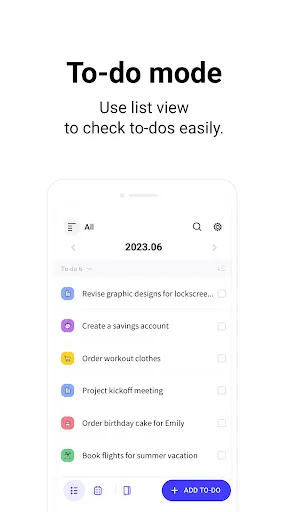
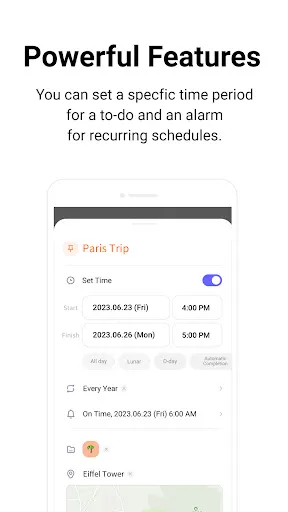
The app gives you a few different ways to manage your schedule. You can view tasks as a simple list or switch to calendar mode to see your plans by day, week or month. It’s also possible to create folders for different parts of your life, such as work, school or personal tasks, making everything feel a little less cluttered. Reminders, recurring events and daily notifications help make sure you don’t forget important plans. You can even add locations, invite people to events and check the weather for your destination before heading out.
More Than Just a To-Do List
Besides managing tasks, LockScreen Calendar includes a private diary where you can write down thoughts, ideas or anything that happened during the day. You can add mood stickers to your calendar, protect your diary with a passcode and personalize the app with different backgrounds and font sizes. Some features require permissions such as calendar access, notifications, contacts or location, but they’re only used for the features you choose to use. If you’re looking for one app that combines reminders, calendars and a personal journal while keeping your schedule easy to access, LockScreen Calendar is definitely worth trying.


