

About Magic DosBox
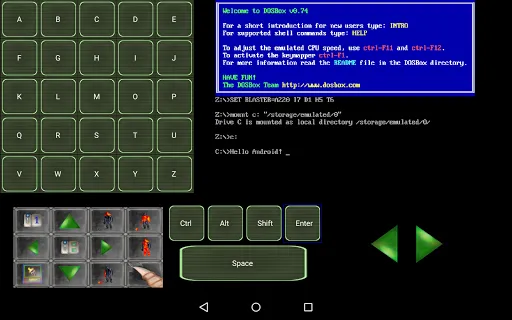
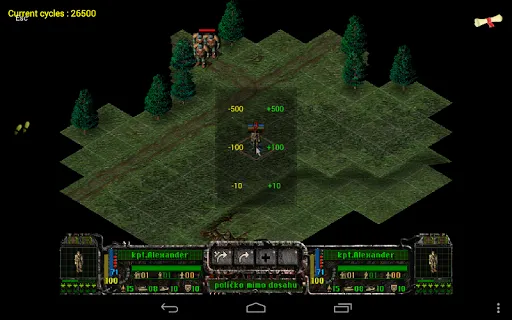
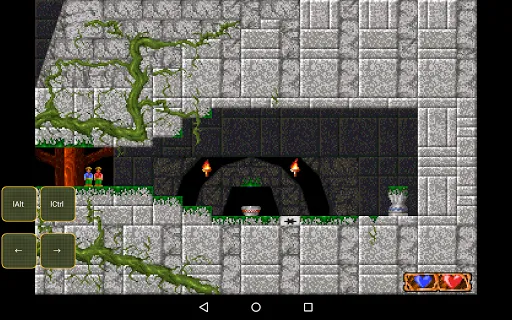
Magic DosBox APK is a powerful optimized version of DOSBox for Android, making it easy to run and enjoy DOS-based games and applications right on your mobile device. Developed on the basis of the original DOSBox team, this application is specially tuned to suit touch operations, allowing you to fully experience classic games without the need for a keyboard or external hardware. Magic DosBox fully supports mouse, keyboard, sound, gamepad and even playing with friends via IPX network connection, providing a realistic and comprehensive experience like on old computers.
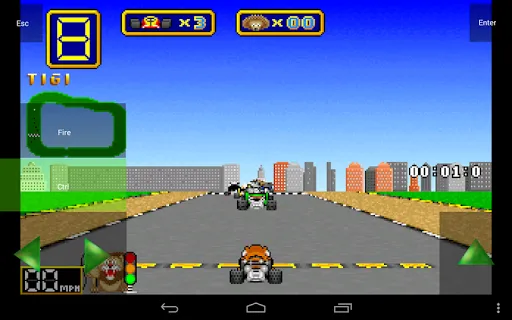
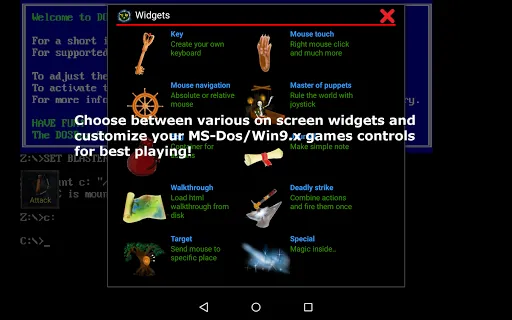
The outstanding strength of Magic DosBox is the fully customizable control system. Users can create their own interface for each game with on-screen widgets, including buttons, mouse, virtual dpad and many other types of controls. You can arrange, edit images, text, widget styles as you like and save individual configurations for each game. In addition, the application also supports advanced touch operations such as swiping, holding, double-tap, along with the ability to use a stylus, external controller, physical mouse and many popular game formats (*.iso, *.gog, *.cue, *.inst). With fast emulation speed, horizontal/vertical screen locking ability, Sound Blaster and PC Speaker audio support, Magic DosBox is the perfect choice to bring the entire legendary DOS game library with you anytime, anywhere.
Key Features
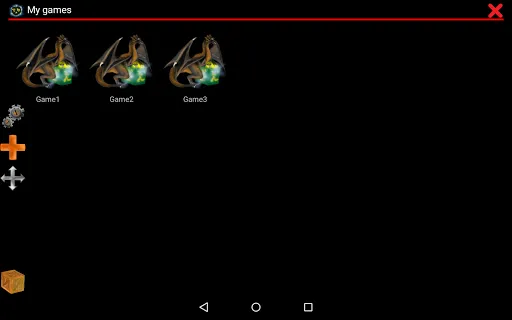
- Create game collections with custom profiles for each game
- Create game shortcuts directly on the home screen
- Export, import or copy profiles to share with friends
- Support multiple languages (Slovak, English, German, Russian, French)
- More than 10 types of on-screen control widgets with dozens of customizations
- Unlimited customization of widgets, images, texts and positions
- Absolute and relative mouse support
- Compatible with Samsung Stylus, Xbox 360 controller, Nvidia Shield and external gamepad
- Support for physical mouse, Sound Blaster, PC Speaker
- Various control gestures: swipe, hold, double-tap, double-tap
- Support multiple game formats: *.iso, *.gog, *.inst, *.cue (ogg)
- In-game screenshot feature with photo gallery
- Fast emulation performance with many optimizations transform
- Lock screen rotation horizontally/vertically, customize display size
- Support IPX network and serial modem to play with friends
- Compatible with Android 4.0 and above


