

Dynamic Icons, Adaptive Color Matching to System Settings
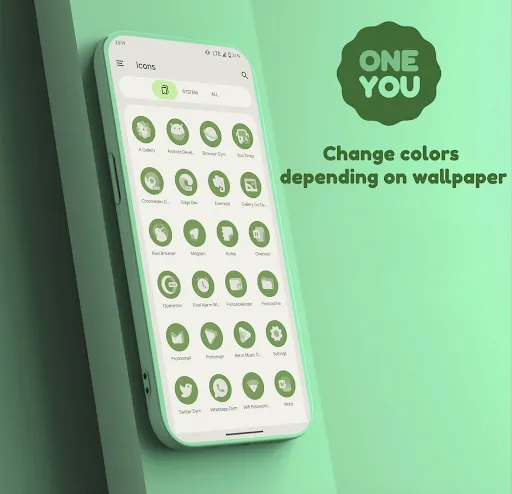
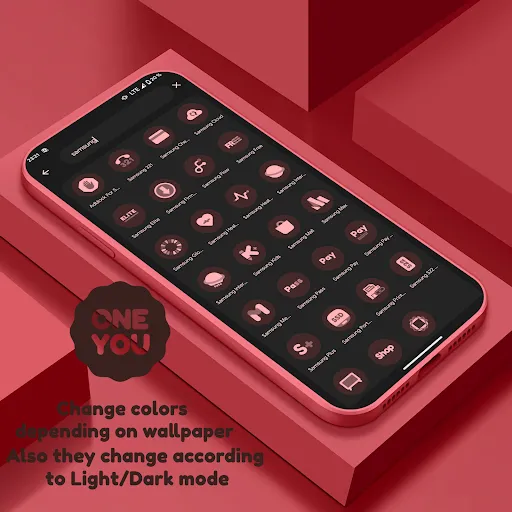
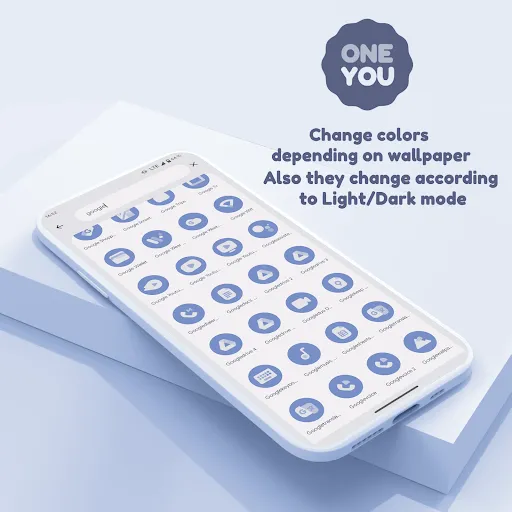
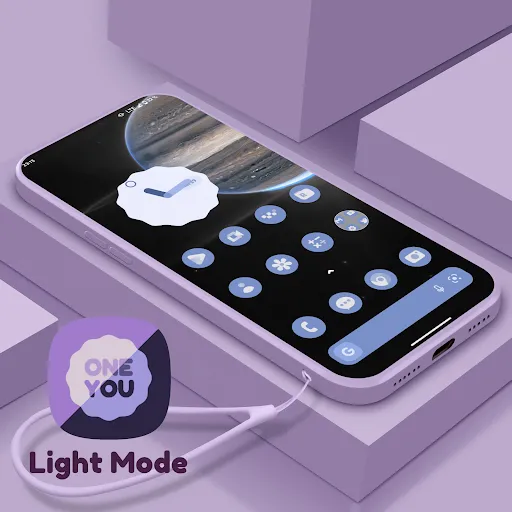
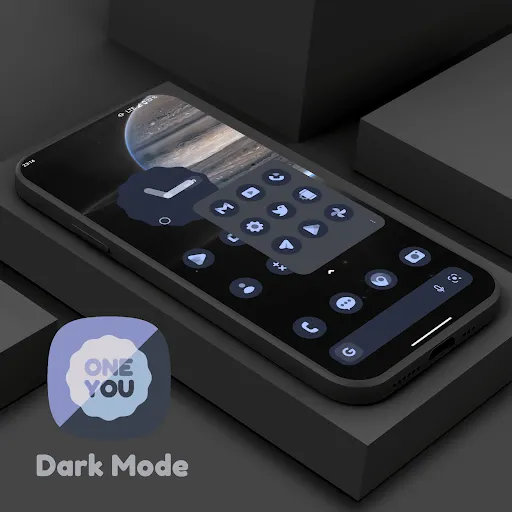
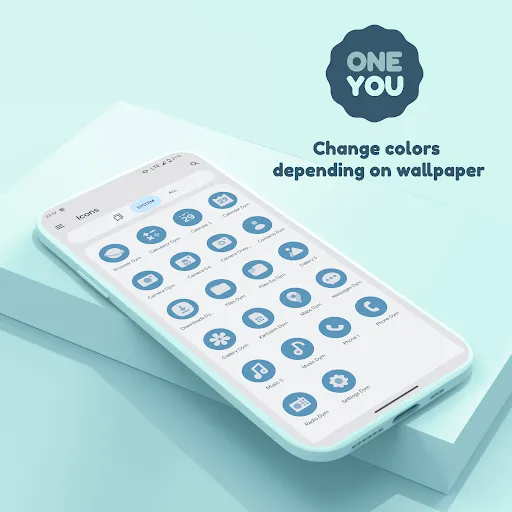
OneYou Dynamic Icon Pack is a premium icon pack inspired by Samsung One UI 8, designed specifically for Android 12 and above. The most distinctive feature of this icon pack is its ability to automatically change color according to the system’s background or accent color – a feature called Material You/Monet, allowing the entire phone interface to harmonize into a unified and sophisticated color scheme. In addition, the icons automatically switch between light and dark modes according to device settings, ensuring a visually appealing interface in all lighting conditions. The application package includes two main components: Adaptive/Dynamic Icons for the launcher and MaterialYou Widgets in the One UI style – which can be added directly to the home screen like regular widgets by pressing and holding the screen and selecting “Widgets,” then finding “OneYou” in the list.
How to Install and Activate Dynamic Colors
To use OneYou, you need a custom launcher that supports icon packs. After applying, if you want to change the icon color to match the new wallpaper or switch between light and dark modes, you need to reapply the icon pack once (or switch to a different icon pack and return immediately) – except for launchers that can automatically update colors. For Samsung devices, go to Settings → Wallpaper & Style to set the system color palette, then go to launcher settings and select the Monet-supported icon pack; for the stock Samsung launcher, you need to use the Theme Park app to change the color. For Pixel devices, non-rooted users can use Shortcut Maker to place icons on the home screen, while rooted devices can use Pixel Launcher Mods to apply icons to both the home screen and app drawer. Additionally, for the search widget to work, you need to have Google and Google Lens installed.
Launcher Compatibility and Technical Support
OneYou is compatible with many popular launchers, including some notable ones that automatically update colors without manual reapplication, such as: Hyperion Beta, Niagara Launcher, AIO Launcher, Nova Launcher Beta, and Smart Launcher Beta. Other launchers like Action Launcher, Ruthless Launcher, and Lawnchair are also fully supported, requiring only manual reapplication when changing colors. If you encounter any problems during installation or use, the developer provides live technical support via Telegram at t.me/devPashapuma – where you can get quick and specific answers. Download OneYou today to bring the sophisticated One UI 8 style to your Android device.


