

Most people don’t wake up thinking, “I should spend more time looking at my calendar today.”
They open a calendar because they’re trying not to forget something. A meeting later this afternoon. A birthday next week. That appointment they promised themselves they wouldn’t miss again. That’s really what a calendar is for.
Good Calendar – Calendar Planner keeps all of that in one place.
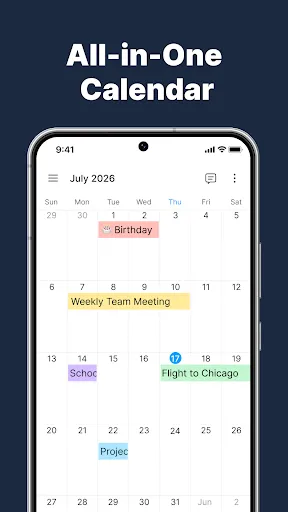
If your schedule is spread across Google Calendar, Outlook, iCloud, or your phone’s local calendar, you don’t have to keep checking each one separately. Everything comes together, making it much easier to see what your week actually looks like instead of piecing it together in your head.
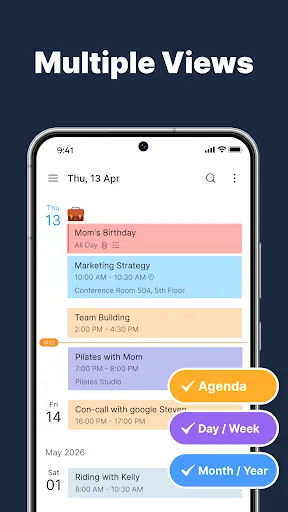
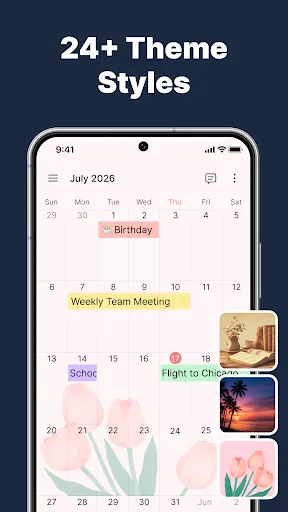
Some days you only care about what’s happening next. Other days you need to look a month ahead before making plans. You can switch between daily, weekly, monthly, or agenda views depending on what makes sense at the time. There isn’t a “right” way to use it, and that’s kind of the point.
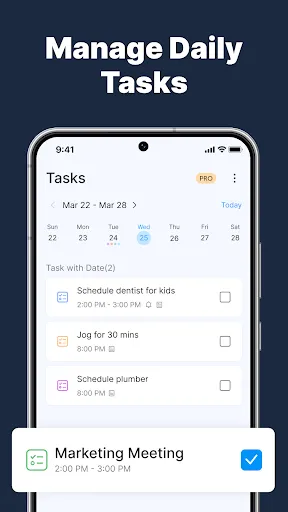
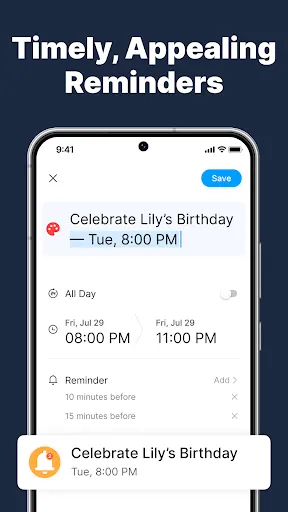
The reminders are probably the feature you’ll appreciate the most, even if you don’t think about them very often. They quietly take over the job of remembering things, so you don’t have to rely on sticky notes or the hope that you’ll remember later. Most of us know how that usually ends.
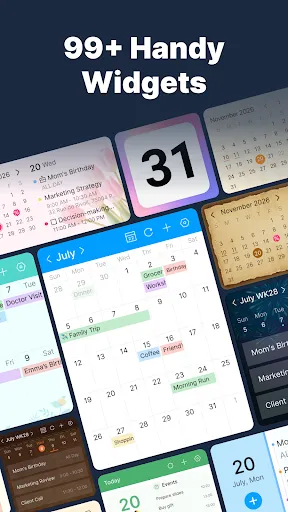
You’ll probably end up adding the widget to your home screen, too. It’s one of those features that doesn’t seem like a big deal until you realize you’re checking today’s schedule without even opening the app.
And because plans rarely stay the same, your calendar stays in sync across your devices. Add an event on one device, make a change on another, and everything stays up to date without much effort.
Good Calendar isn’t trying to make you busier or fill every empty space in your day. It’s simply a place to keep track of the things that matter, so your mind doesn’t have to carry them around all the time.


