

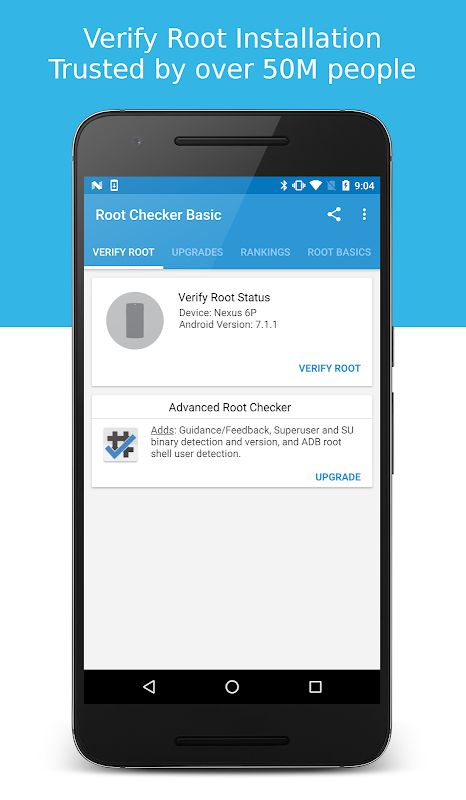
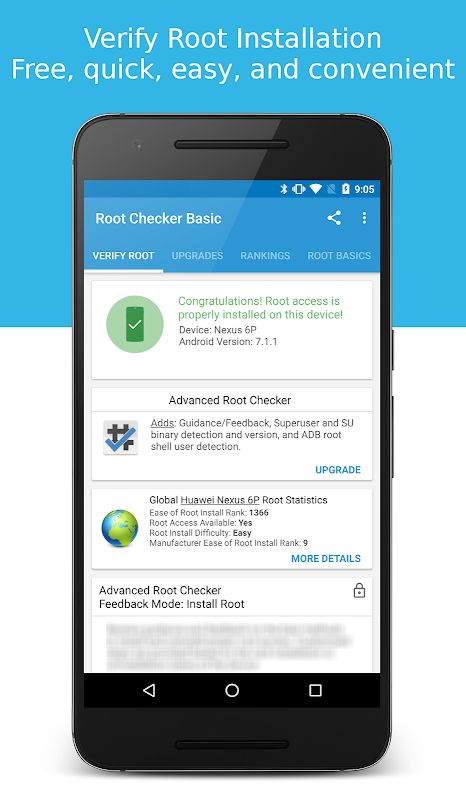
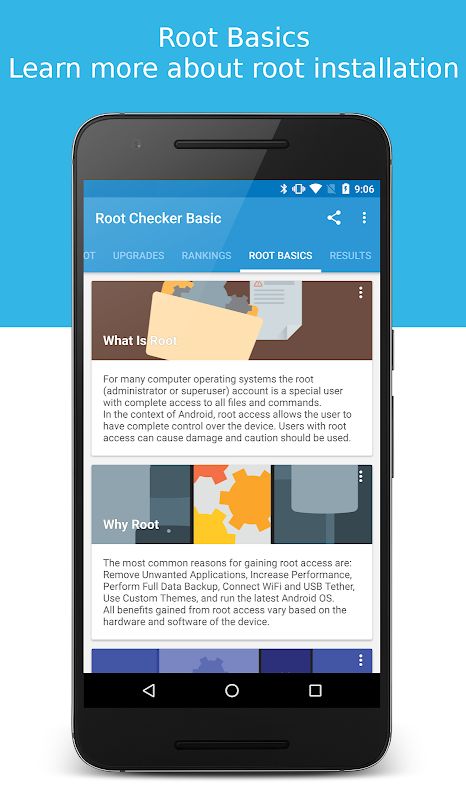
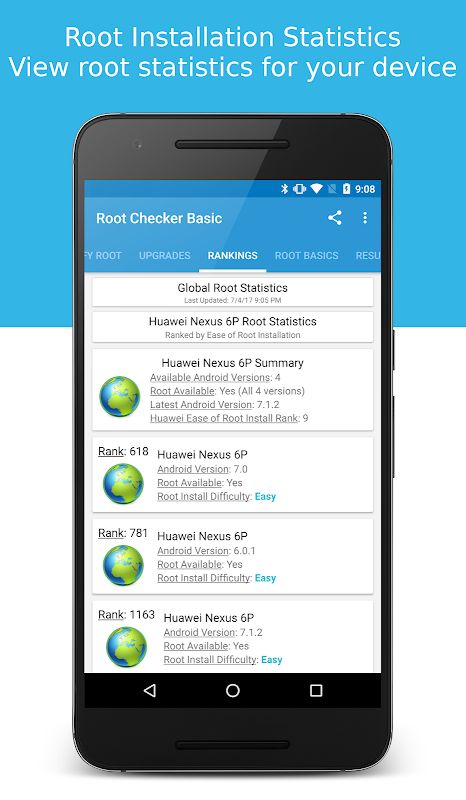
Root Checker MOD APK is a simple Android utility that helps you check whether root, superuser, or su access is properly installed and working on your device. The app uses a quick verification process to determine whether your phone has working root access and whether the su binary can successfully provide administrator permissions. This makes it useful when you have just rooted a device, are troubleshooting root problems, or simply want to confirm the current root status.
Introduction to Root Checker
Root Checker focuses on one main task: verifying root access on your Android device. You do not need to go through complicated settings or manually test commands just to find out whether the root process was completed correctly. Open the app and perform the check to see whether root access is properly configured.
One of the main highlights is its simple interface. The app is designed to be easy to understand even for users who are new to Android rooting. It can quickly tell you whether superuser access is available, making it easier to know if your device has been rooted successfully.
Root access can also be described as superuser or administrator access, but these terms all relate to the same basic idea. Root Checker verifies whether the device can execute commands through the su binary with the required permissions.
Check the su Binary
The su binary is one of the most common components used by Android devices to provide and manage root access. Root Checker looks for the su binary in common standard locations on the device and then checks whether it is actually functioning.
This is important because simply having a su file does not always mean that root access is working correctly. The application also verifies whether the binary can grant the required superuser permissions, giving you a clearer result than simply checking whether the file exists.
In general, this makes Root Checker useful when you are unsure about the result of a rooting process. You can quickly check the device instead of trying different root commands yourself.
Confirm Root Permissions
Root Checker can work together with common superuser management applications such as SuperSU and Superuser. When Root Checker requests root access, these management apps can display a prompt asking you to allow or deny the permission.
If you accept the request, Root Checker can perform its verification and confirm whether root access is working. If you deny the request, the application will report that root access is not available. This also gives you a simple way to see how the superuser management system is handling root requests.
The more often you change, install, or remove root components on your device, the more useful a quick verification tool can become. It lets you confirm the current state instead of relying only on what you think happened during the rooting process.
Find Root Status After Changes
Root Checker can also be useful when troubleshooting problems related to installing, configuring, or removing root access. Sometimes a rooting process may appear to finish successfully but the required permissions are not actually working correctly.
By running a check after making changes, you can quickly see whether the device still has functioning root access. This can be useful after changing a superuser application, modifying root settings, or attempting to remove root from the device.
The application can also provide additional information when you are concerned that root access may have been installed by someone else. Checking the current root status can help you understand whether superuser access is present on the device.
MOD APK Version of Root Checker
MOD Feature
Pro Unlocked
Download Root Checker MOD APK for Android
Root Checker is a straightforward Android utility for verifying whether root, superuser, or su access is properly installed and working. It checks for the su binary in common locations and also verifies whether it can successfully provide root permissions. The app can work with superuser management tools such as SuperSU and Superuser, showing a permission request when necessary before performing the verification. It is useful after rooting, changing root settings, removing root access, or simply checking whether a device currently has administrator access. Download Root Checker MOD APK for Android and quickly verify the root status of your device.


