About NTFS Reader
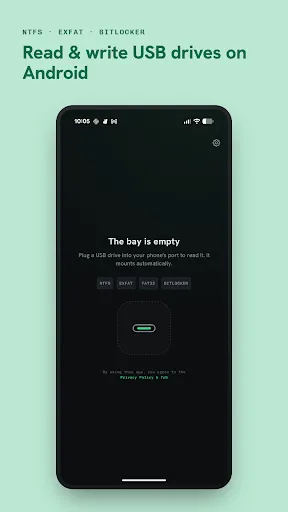
NTFS Reader MOD APK is a file manager app that lets you read and manage files on USB drives connected to an Android phone or tablet. It works with NTFS, exFAT and FAT32 storage devices, including external hard drives, SSDs, USB flash drives and memory cards connected through a USB-C or USB-OTG adapter. Android devices cannot always read or write these file systems properly by themselves, so the app uses its own file system support to make them work. You do not need to root your device or use a computer before connecting the drive.
Supported Storage Devices
The app works with many different types of storage devices. It can open NTFS external drives, exFAT portable SSDs, FAT32 USB drives and SD cards connected through a USB card reader. It also supports large drives, including devices with multiple partitions or storage sizes larger than 2 TB. If you have a phone with internal storage or a built-in SD card, the app can also browse those files together with your connected USB drive, making it easier to move files between them.
Browse and Manage Files
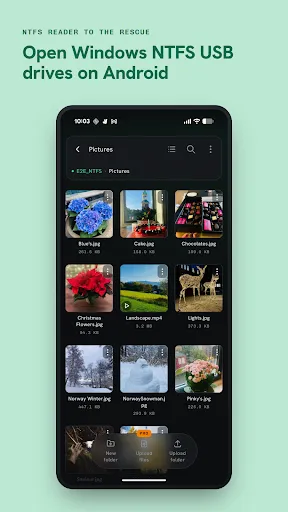
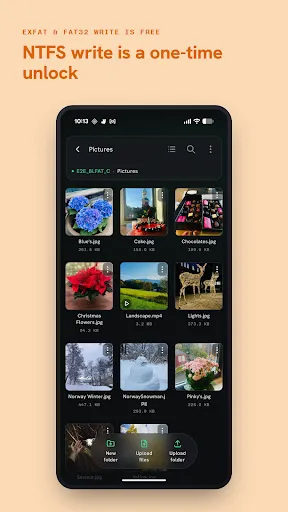
The app works like a normal file manager. You can browse folders, search for files and sort them in different ways. You can create folders, rename files, move items, copy data and delete files directly from supported drives. There is also an option to show or hide hidden files. If you want to move files between your phone and an external drive, you can do everything inside the same app instead of using several different tools.
Open and Preview Files
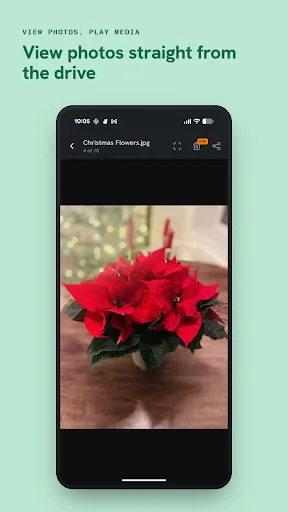
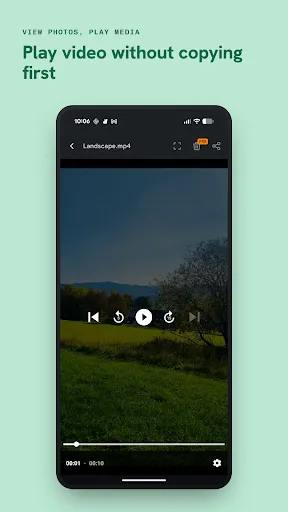
You do not always need to copy a file before using it. The app can preview photos, videos and music directly from the connected drive. You can also open files with other apps using the Open with option or share files without copying them first. If another Android app needs a file, you can also choose files directly from the external drive through the system file picker.
NTFS, exFAT and FAT32 Support
Reading NTFS drives is free. The app also gives full read and write support for exFAT and FAT32 drives without requiring any payment. This means you can create folders, rename files, copy data, move files and delete items on exFAT and FAT32 storage devices at no extra cost. If you want to write files to an NTFS drive, you need to unlock that feature with a one-time in-app purchase. After unlocking it, you can manage NTFS drives in the same way as the other supported formats.
BitLocker Support
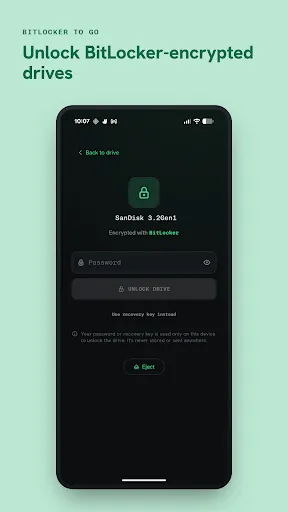
The app can also open BitLocker To Go encrypted USB drives. You can unlock the drive by entering the password or the 48-digit recovery key. Once the drive is unlocked, the app can access the files stored inside it. If the encrypted drive contains exFAT or FAT32, read and write support is available for free. If it contains NTFS, writing to the drive requires the same one-time NTFS unlock.
Safe File Transfers
The app is designed to reduce the risk of file corruption while writing data. If the drive is disconnected during a file transfer, the storage device is marked for a file system check instead of silently damaging the data. When the drive is connected to a computer later, the operating system can run its normal repair process if necessary. This helps protect files during unexpected interruptions.