

AFWall+ is a powerful firewall application for Android, acting as an intuitive control panel for iptables – the core Linux firewall system. The application gives users full control over which applications are allowed to access the internet via mobile networks (2G/3G/4G/5G), Wi-Fi, while roaming, within a LAN, or when connected to a VPN, providing the highest level of security and privacy for rooted Android devices.
System-level network access control
AFWall+ is designed for advanced users, especially those with superuser privileges on Android devices. Through the use of iptables, AFWall+ intervenes directly at the system level, precisely and consistently blocking or allowing network traffic. You can decide which applications are allowed to connect to the internet, which are only allowed to use Wi-Fi, mobile data, or are completely blocked. Furthermore, AFWall+ supports traffic control when the device is roaming, connected to a VPN, tethering, or operating within a local LAN network, helping you protect your personal data in all usage scenarios.
Flexible management with smart profiles and rules
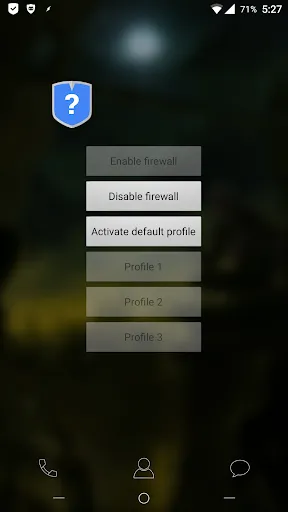
AFWall+ provides a powerful profile management system, allowing you to create multiple firewall profiles and switch quickly according to your needs. You can set up a profile for work, a profile for personal use, or a separate profile when connecting to public Wi-Fi. The intuitive management interface allows you to select all, deselect, reverse, or delete application selections with just one touch. In addition, AFWall+ supports quick application search and filtering, helping to manage long lists efficiently. Users can also import and export firewall rules to external storage for backup or restoration when needed.
Advanced Monitoring, Logging, and Security
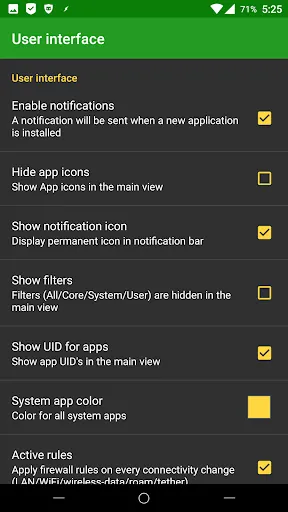
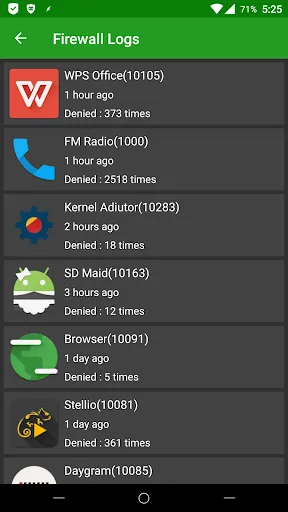
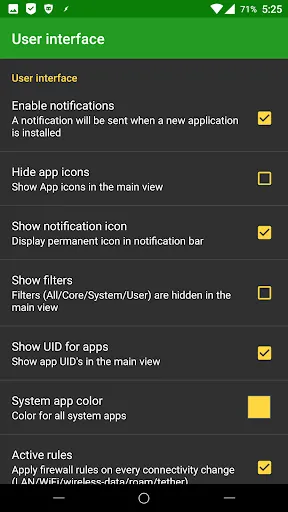
AFWall+ features a completely revamped logging and rule system, allowing for detailed monitoring of blocked data packets. You can copy or export logs to external storage for in-depth analysis. The application also supports notifications when data packets are blocked, helping users quickly detect unusual network activity. Advanced options allow you to highlight system applications with custom colors, hide application icons to speed up loading, show or hide application IDs, and protect AFWall+ with a PIN or pattern lock. For users who donate, the application also provides a higher-level system-level protection mechanism.
Wide Support and High Compatibility
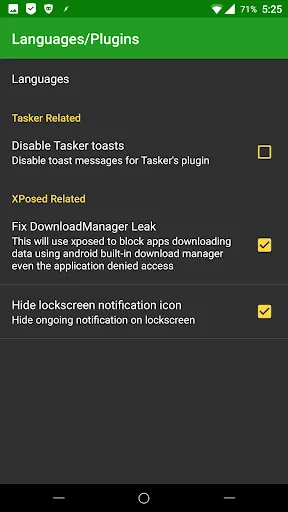
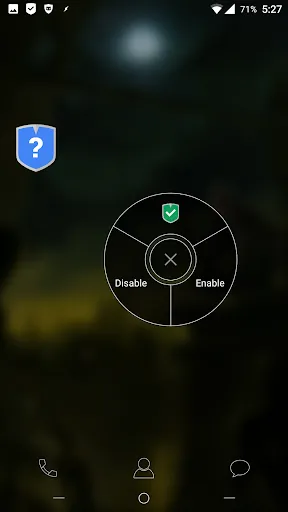
AFWall+ supports multiple Android versions, from Android 5.x to Android 11.x, and is compatible with various hardware architectures such as ARM, x86, and MIPS. The application supports both IPv4 and IPv6, Tor, VPN, Wi-Fi-only tablets, and devices without cellular networks. Users can choose binary iptables and busyboxes to suit their system to ensure performance and stability. The new widget interface allows profiles to be applied with just a few taps, providing convenience in daily use. In addition, AFWall+ supports Tasker and Locale, allowing for the automation of turning profiles on/off or switching profiles based on usage context.
Multilingual and a thriving community
AFWall+ is translated into many different languages thanks to contributions from the international community, including German, French, Russian, Spanish, Japanese, Chinese, Italian, Portuguese, Turkish, Indonesian, and many others. This makes the application easily accessible to users worldwide. The developers also regularly update and test new features through the Beta program, allowing users to experience improvements early and provide direct feedback.
Conclusion
AFWall+ is the top choice for rooted Android users who want the deepest level of network traffic control. With the ability to block internet access on an app-by-app basis, support for LAN, VPN, Tor, roaming, and a flexible profile system, AFWall+ offers the perfect combination of security, privacy, and control. If you are looking for a professional, stable, and community-trusted firewall solution, AFWall+ is an indispensable tool on your Android device.


