

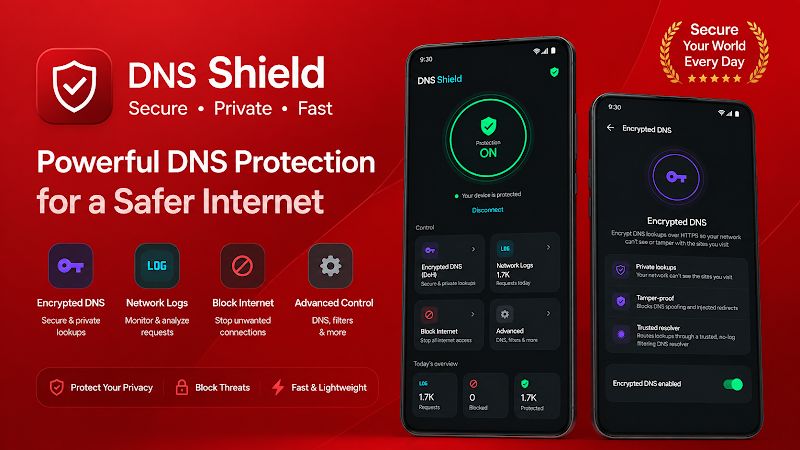
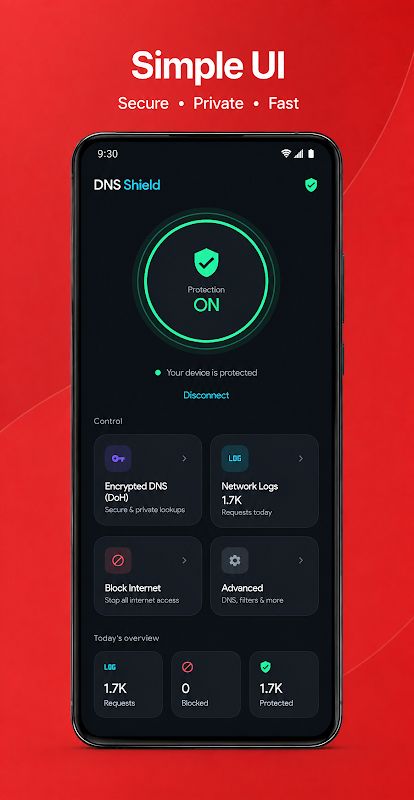
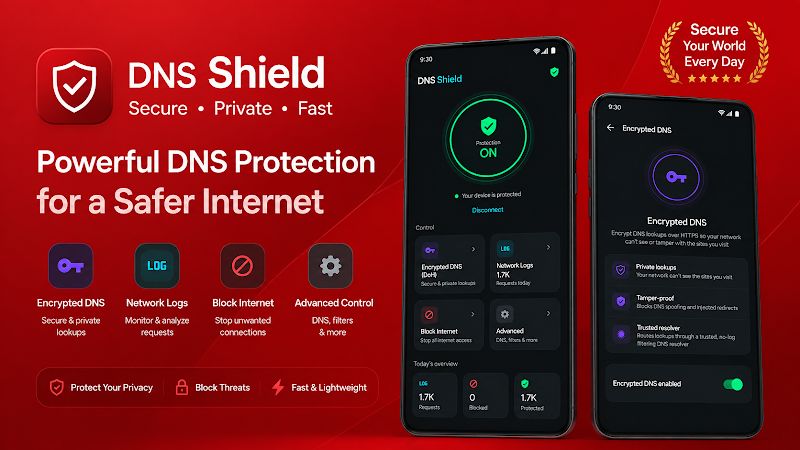
DNS Shield MOD APK is a private DNS and firewall app for Android phones and tablets that gives you more control over how your device connects to the internet. The app changes two main things: where your DNS lookups are sent and which apps are allowed to access the network. With encrypted DNS, per-app internet control, custom domain lists, and a local activity log, DNS Shield gives you a simple way to improve privacy and manage network access without requiring root access.
Introduction to DNS Shield
DNS Shield focuses on controlling DNS requests and network access directly on your own device. Whenever you open an app or visit a website, your phone normally sends DNS requests to a resolver selected by the network. DNS Shield lets you use a privacy-focused resolver instead, giving you more control over where these lookups are sent.
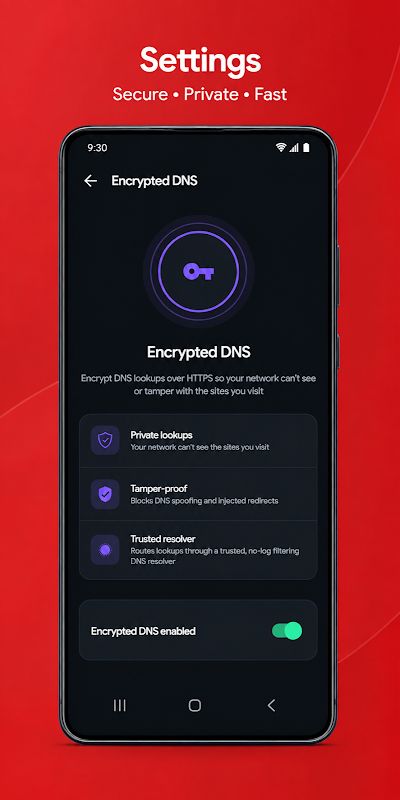
One of the main highlights is Encrypted DNS through DNS over HTTPS, also known as DoH. When this option is enabled, DNS lookups are sent through an encrypted connection. This helps prevent your network from reading the domain names your device is resolving or changing the DNS response.
The app does not modify or interfere with other installed applications. It only controls how the device resolves domain names and which apps are allowed to connect to the network. Everything is handled locally on your Android phone or tablet.
Control Internet Access for Each App
DNS Shield includes a per-app firewall that lets you choose which applications can access the internet. You can open the Block Internet section and switch off network access for any app you want. Once blocked, that application cannot connect until you enable it again.
This feature is useful when you have apps that you want to keep installed but do not need online access. It can also help reduce background network activity from applications that you rarely use. Instead of changing settings for the entire device, you can control each app separately.
In general, this makes network management much easier because you do not need root access or complicated configuration. You simply choose an app and decide whether it should be allowed onto the network.
Create Your Own Domain Rules
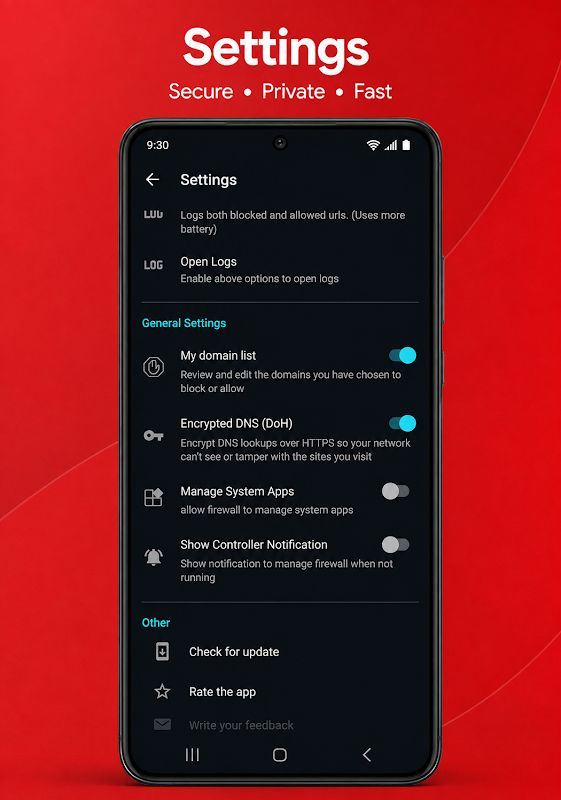
Another useful part of DNS Shield is the custom domain list. You can add domains to your blocked list so the device will stop resolving them, while domains on the allowed list can be kept available whenever your device needs them. Both lists are stored locally on the device and can be changed at any time.
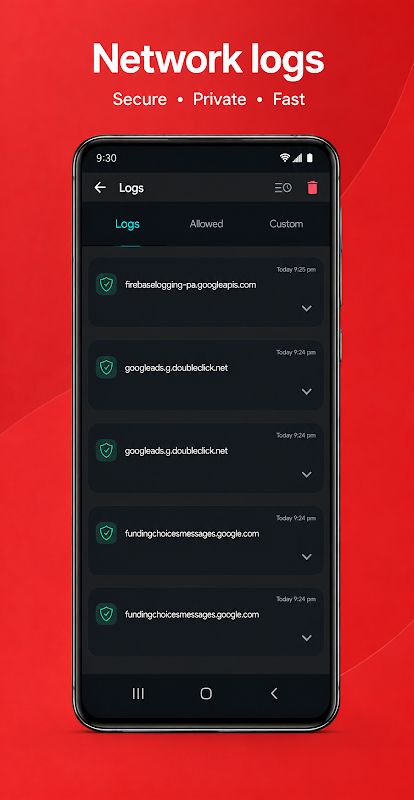
The network monitor makes this process even more convenient. It shows which domains your device has looked up and when those requests happened. From the activity log, you can block or allow a domain with one tap, so you do not have to manually type every address into your lists.
The log is stored on your device and is not uploaded to a remote server. You can also disable the network monitor from Settings when you do not need it.
No Root and Local VPN Protection
DNS Shield works on standard Android phones and tablets without requiring root access. The app uses a local VPN connection on your device to direct DNS traffic, and Android will ask you to confirm this connection when protection is enabled.
The VPN connection is local and is used to route DNS traffic on the device. Your browsing data is not sent through DNS Shield’s own servers, so the app does not act like a traditional remote VPN service. Notifications are also used to show that protection is running and give you an easy way to stop it.
The more control you want over DNS requests and individual app connections, the more useful these local controls can become. You can combine encrypted DNS, app blocking, custom domain rules and the activity log based on your own needs.
MOD APK Version of DNS Shield
MOD Feature
Premium Unlocked
Download DNS Shield MOD APK for Android
DNS Shield is a practical Android app for users who want more control over DNS lookups and internet access on their devices. It provides encrypted DNS over HTTPS, a per-app firewall, custom block and allow lists, a local network activity log, and works without root access. The app uses a local VPN connection to direct DNS traffic while keeping your browsing data on the device instead of routing it through remote servers. Premium removes advertisements, unlocks Encrypted DNS, and removes the limit on custom block and allow rules. Download DNS Shield MOD APK for Android and manage your device’s network connections with more control and privacy.


