

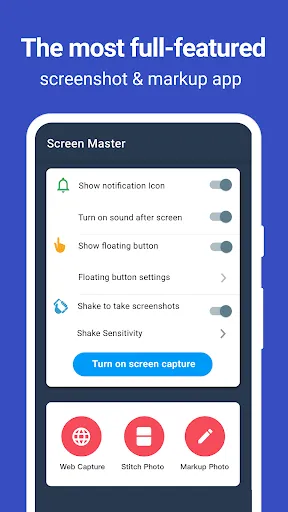
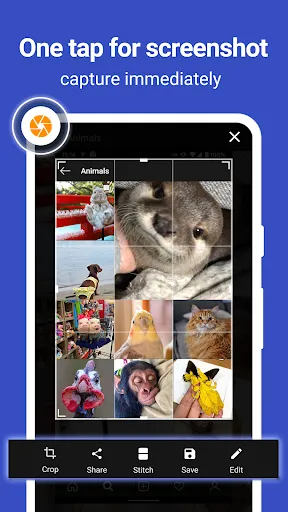


Screen Master MOD APK is a powerful screenshot and image marking application, completely free and does not require rooting the device. With Screen Master, you can easily capture any content on your phone or tablet screen with just one touch of the floating button or simply shake the device. The application supports saving high-quality images in PNG format, without losing quality, and also allows saving directly to an external SD card. In addition to the ability to take quick photos, Screen Master also supports capturing entire web pages by simply sharing the URL, along with the long screenshot feature that helps you record all the content on a long page – extremely convenient for work, study and information sharing.
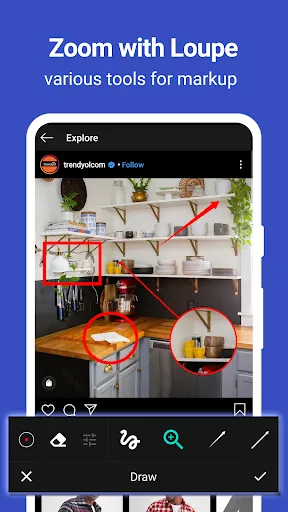
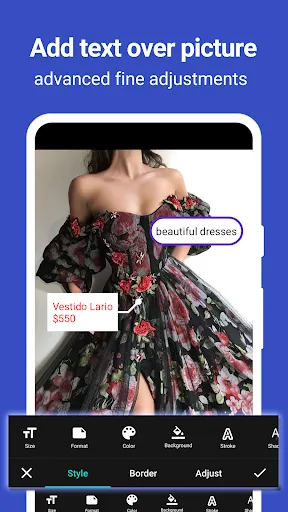
Not only a screenshot tool, Screen Master is also a powerful photo editor with many professional marking and annotation features. Users can crop, rotate, blur, zoom in on photo areas, add custom text, insert emojis, or use drawing tools like arrows, rectangles, circles, and brushes to highlight important information. The app also supports automatic photo stitching in vertical or horizontal orientation, helping you create a complete long photo from multiple small photos. With a friendly interface, quick operations, and the ability to save HD photos, Screen Master is the perfect choice for every Android user who wants to record, edit, and share content professionally and easily.
Key Features:
- No root required: Safe to use, unlimited features.
- Flexible screenshot capture: By floating button, shake the device, capture the entire web page, or capture a long scroll.
- Photo editing & marking: Crop, rotate, blur, zoom in, add text, icons, arrows, frames, and more.
- Automatic photo stitching: Recognize and combine multiple photos into one long photo both vertically and horizontally.
- Supports high-quality image saving (PNG): Keeps details without losing quality.
- Save images to external SD card, compatible with Android 7.0 and above, supports Shortcuts and QuickTile.
- Absolute security: No data collection or unauthorized operations; cannot capture confidential content such as banking apps or password pages.


