

About Snap Pro
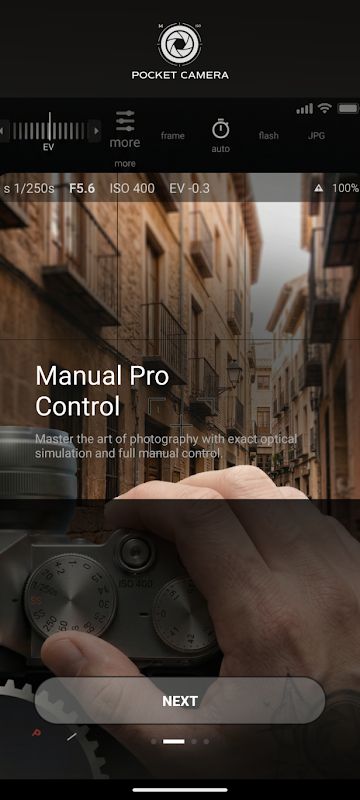
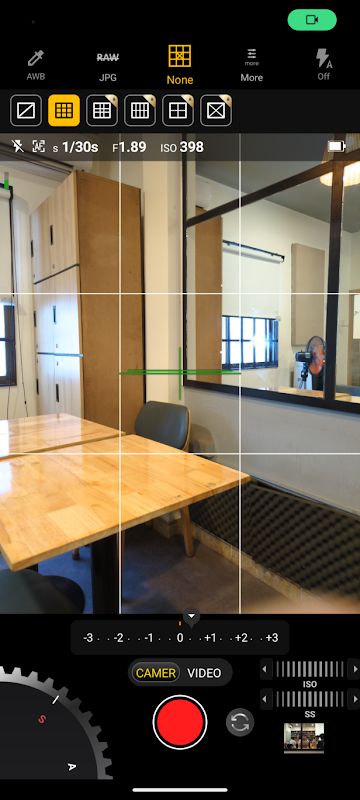
Snap Pro MOD APK is a camera app for Android that gives you more manual controls when taking photos. The app is made for people who do not want to use only the automatic camera mode and want to change the settings themselves. You can control ISO, shutter speed, white balance and manual focus before taking a photo. There is also an automatic level that helps keep your photos straight, which can be useful when taking pictures of buildings, landscapes or other subjects where a tilted image is easy to notice. The interface is kept simple so the controls are easy to reach without having to open too many menus. You can also choose between a light or dark interface and change some parts of the layout to make the camera fit the way you normally take photos.
Manual Controls and Shooting Modes
The app includes several tools that are normally useful for more serious photography. Focus peaking can show which parts of the image are in focus, while zebra stripes can help you notice areas that are too bright. A real-time histogram is also available so you can check the brightness of the photo before taking it. There is a burst mode for moving subjects, which lets you take several photos quickly instead of trying to capture one perfect moment. You can also use panorama mode, including with the front camera, and use focus or exposure bracketing when you want to take several versions of the same shot with different settings. A remote shutter can be controlled by sound or Bluetooth LE, and there is also a timer with a voice countdown so you can take photos without touching the phone at the exact moment.
Night, HDR and Professional Files
Snap Pro also has several modes for difficult lighting conditions. The night mode uses AI noise reduction to make low-light photos cleaner, while HDR can automatically align images and reduce ghosting when objects move between exposures. The app also works with RAW DNG files, which gives you more information to work with when editing photos later. You can add GPS information and a compass direction to the EXIF data, or add the date, time and custom text directly to your photos. If you do not want to keep this information in your files, the app also provides an option to remove metadata. Video features include slow-motion recording for situations where you want to capture movement and play it back at a slower speed.
Privacy and Simple Interface
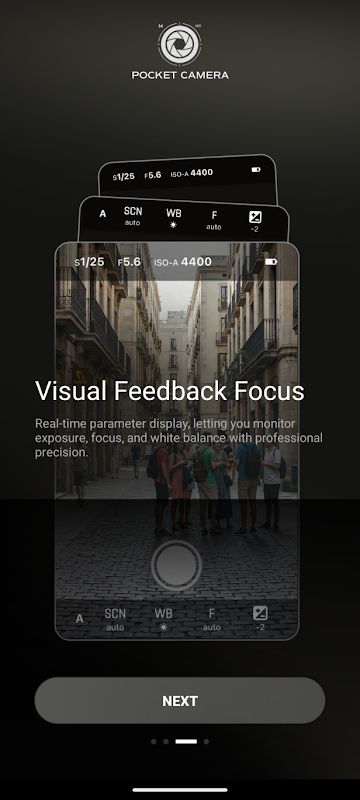
The app is designed with a simple interface so you can focus on taking photos instead of looking through complicated settings. You can quickly access the main controls, change between light and dark mode and customize the interface to suit your use. The developer also states that Snap Pro does not collect third-party data and does not display advertisements inside the app. You can additionally remove EXIF metadata from photos when you do not want location or other information to remain in the file. Overall, the app focuses on giving Android users manual camera controls, RAW photography, different shooting modes and a cleaner interface while keeping the camera itself fairly simple to use.


