

About Super Backup & Restore
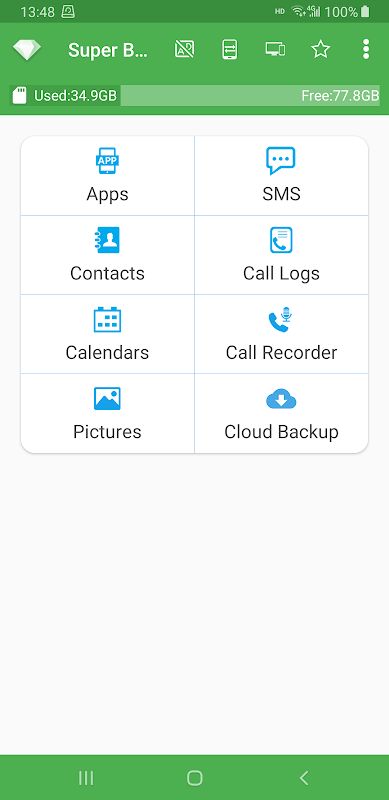
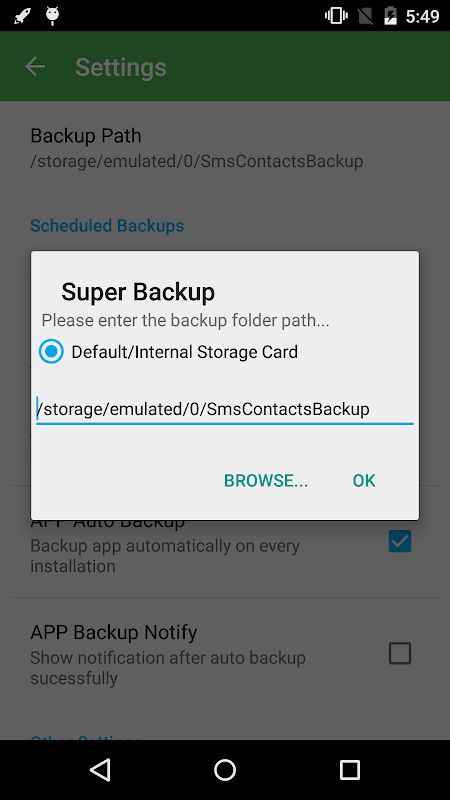
Super Backup & Restore MOD APK is an Android app made for backing up and restoring different types of data on your phone. You can use it to save apps, contacts, SMS messages, call logs and calendars to an SD card so you have another copy if something happens to your phone. The app can also save APK files from installed apps, which means you can keep the installation files and share them with other people later. The backup location can be changed to an external SD card, which is useful if you are planning to reset your phone because files stored only in the phone’s internal memory can be deleted during a factory reset. The app is mainly made for people who want a simple way to keep copies of their important phone data instead of depending completely on the device itself.
Backup and Restore Data
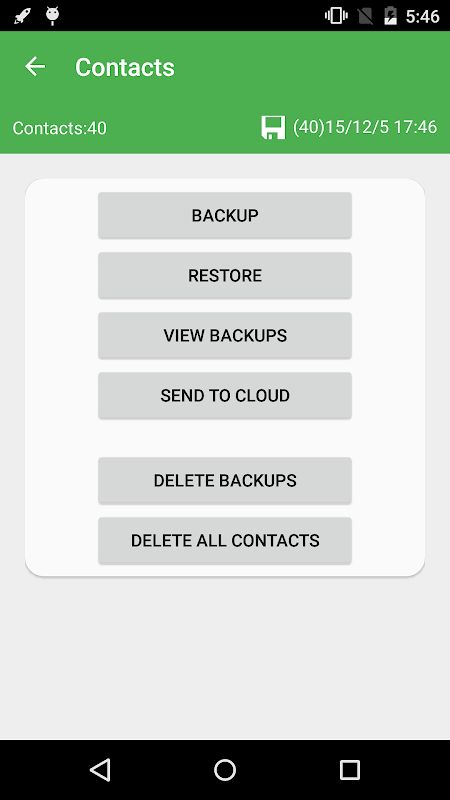
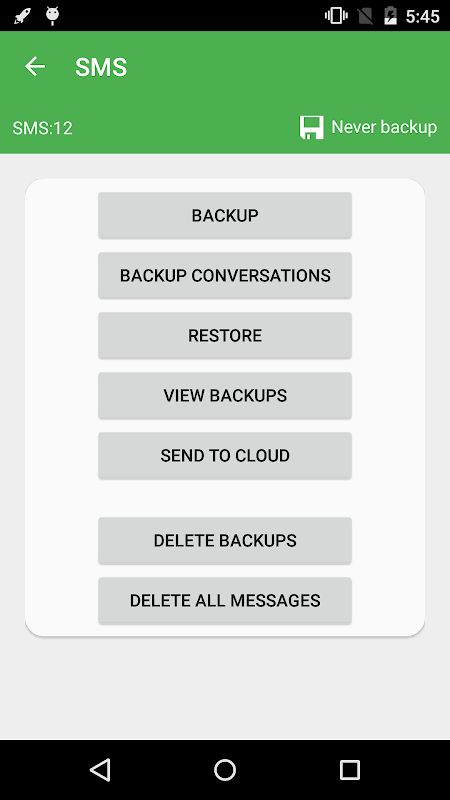
The app supports several types of backup. You can save contacts, SMS conversations, call logs and calendar information to your storage and restore them later when needed. For SMS messages, you can choose specific conversations instead of backing up every message on the phone. Apps can also be backed up to an SD card, and the app can keep download links for installed applications. When you need to restore your information, you can select the backup files and bring the data back to the device. There are some Android limitations, however. Bookmark backup and restore is not available on Android 6.0 and newer because Android does not allow third-party apps to access browser bookmarks in the same way. Automatic scheduled backups are also no longer supported from Android 13.
Automatic Backup and Other Tools
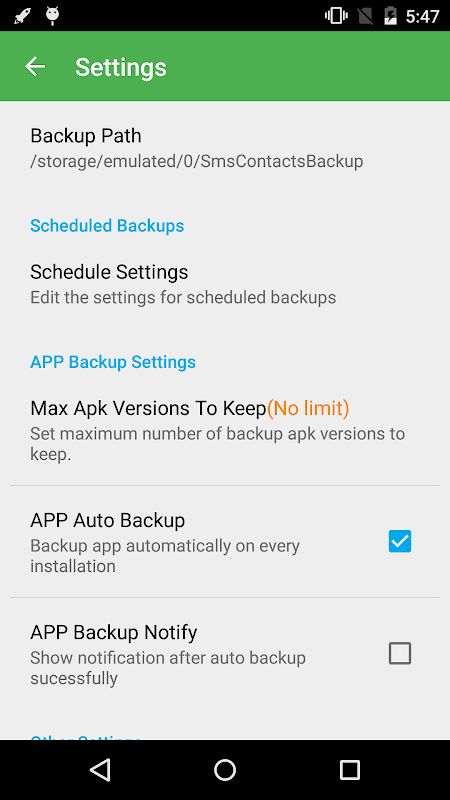
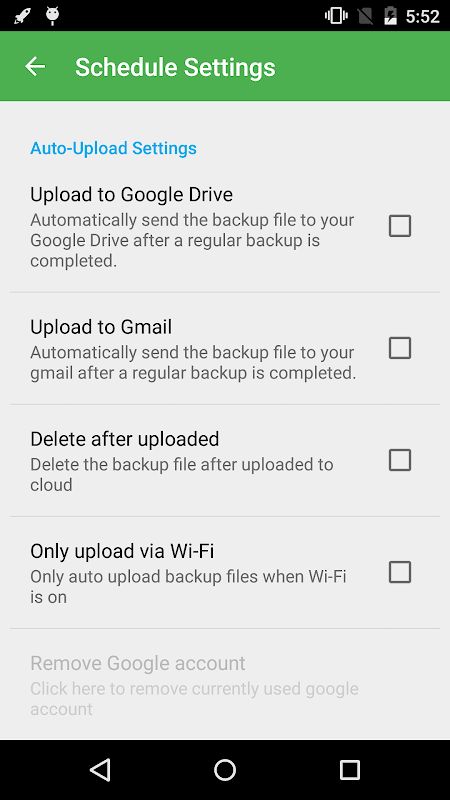
Super Backup & Restore can schedule automatic backups on Android versions where this feature is supported. If you use a task killer or memory cleaning app, Super Backup needs to be added to its whitelist or ignore list, otherwise the system may stop it from running in the background and the scheduled backup will not happen. The app also previously included a call recording feature that could save both sides of a phone call as MP3 files, but this feature is not supported from Android 10. After restoring SMS messages, if they do not immediately appear in the default messaging application, restarting the phone may be necessary. These limitations are mostly related to changes made by Android rather than the basic backup functions of the app.
Permissions and Data Transfer
The app asks for permissions that match the types of information it needs to back up. SMS permissions are used for saving and restoring messages, contact permissions are used for contacts, calendar permissions are used for calendar data, and call log permissions are used for call history. Audio recording permission was used for the call recording feature on supported Android versions. The app can also use location permission when transferring backup files between devices through Wi-Fi peer-to-peer. According to the developer, this location permission is required by Android from version 8 for Wi-Fi Direct functions and is not used to collect the user’s location. Before doing a factory reset, the developer recommends making sure the backup folder is stored on an external SD card or copying the complete backup folder to another safe location so the saved data is not removed together with the phone’s internal storage.


